Drop it.
It runs.
Drop2Run turns a page your AI wrote, a folder of documents or a built site into a link anyone can open, served from a global edge network. No account, no build step, no configuration — and nothing is uploaded until you have seen what is in it.
No sign-upNo cardNo build stepNo git
Drop a folder here
A folder with index.html at the top level, or one HTML page of any name — or drop markdown, PDF, Word or Excel files, even just one, and they publish as a documents site.
Your AI wrote it. Let it publish it too.
One MCP tool call and the page or folder it just produced is live on HTTPS — no repo, no build, no hand-off back to you. Claude on the web and ChatGPT add it by URL; from any other chat, paste the answer instead. How it works →
Straight from your agent
@drop2run/mcpAn MCP server, run locally or reached by URL. The assistant that just wrote the files publishes them itself and hands back the link — you never leave the conversation.
From the command line
npx drop2runOne command, run in the folder you are already standing in. Sign in once from the terminal — after that there is no browser in the loop.
On every push
on: pushNothing to install in CI either — the same command in a workflow step, with the version pinned and the published URL handed back as an output.
Reports and notes open as documents.
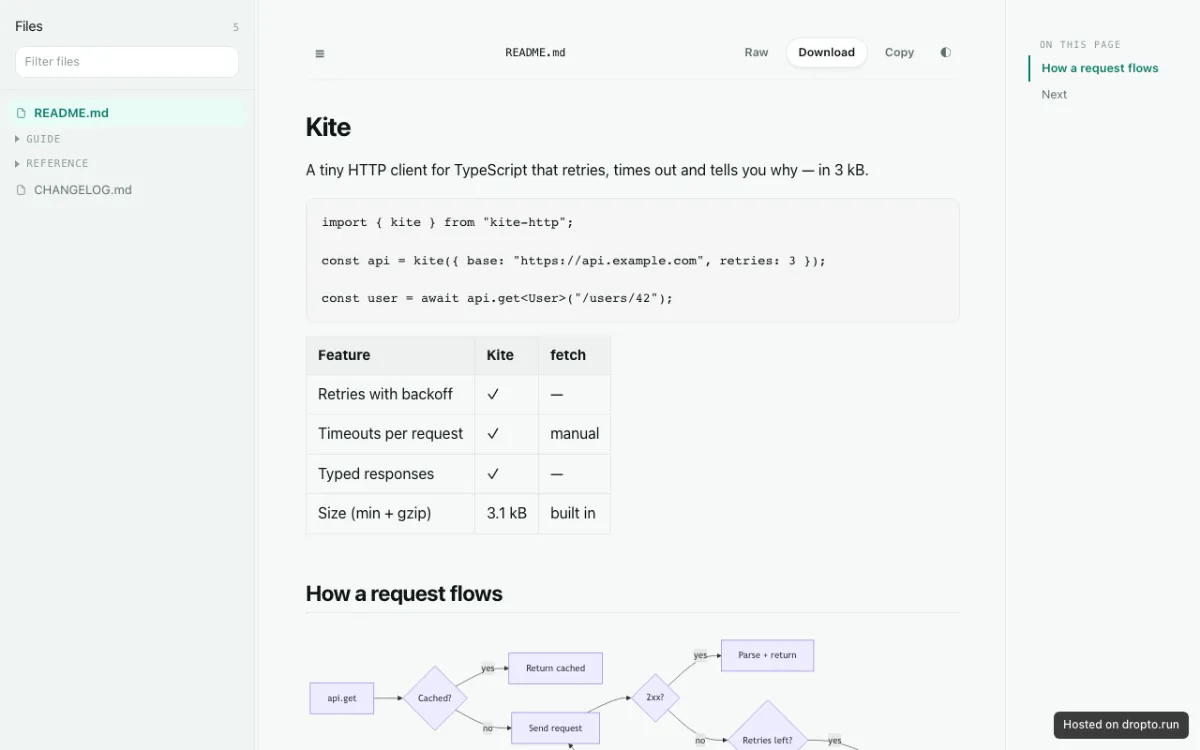
Markdown, PDF, Word, Excel — a folder of them, or a single file — publishes as a readable documents site: a file tree beside the rendered page, with code, tables, diagrams and maths drawn in. Nothing to generate, no index.html to write, and every file still answers at its own URL for anything that is not a browser. What a folder of documents becomes →
A few API routes, beside the pages.
On Pro and Team, a JavaScript file under _functions/ answers the path it is named after — receive a webhook, call an API with a key the browser never sees, handle a form your way. It publishes with the folder, rolls back with it, and runs per request on the edge, so there is still no server to keep running. What functions do →
Only need to reach an API you already run, with its key attached? The API proxy does that with no code: one line in _redirects, the key in the site's settings.
export async function onRequestGet({ env }) {
  const res = await fetch("https://api.example.com/v1/data", {
    headers: { authorization: `Bearer ${env.API_KEY}` },
  });
  return Response.json(await res.json());
}Four folders. Four live links.
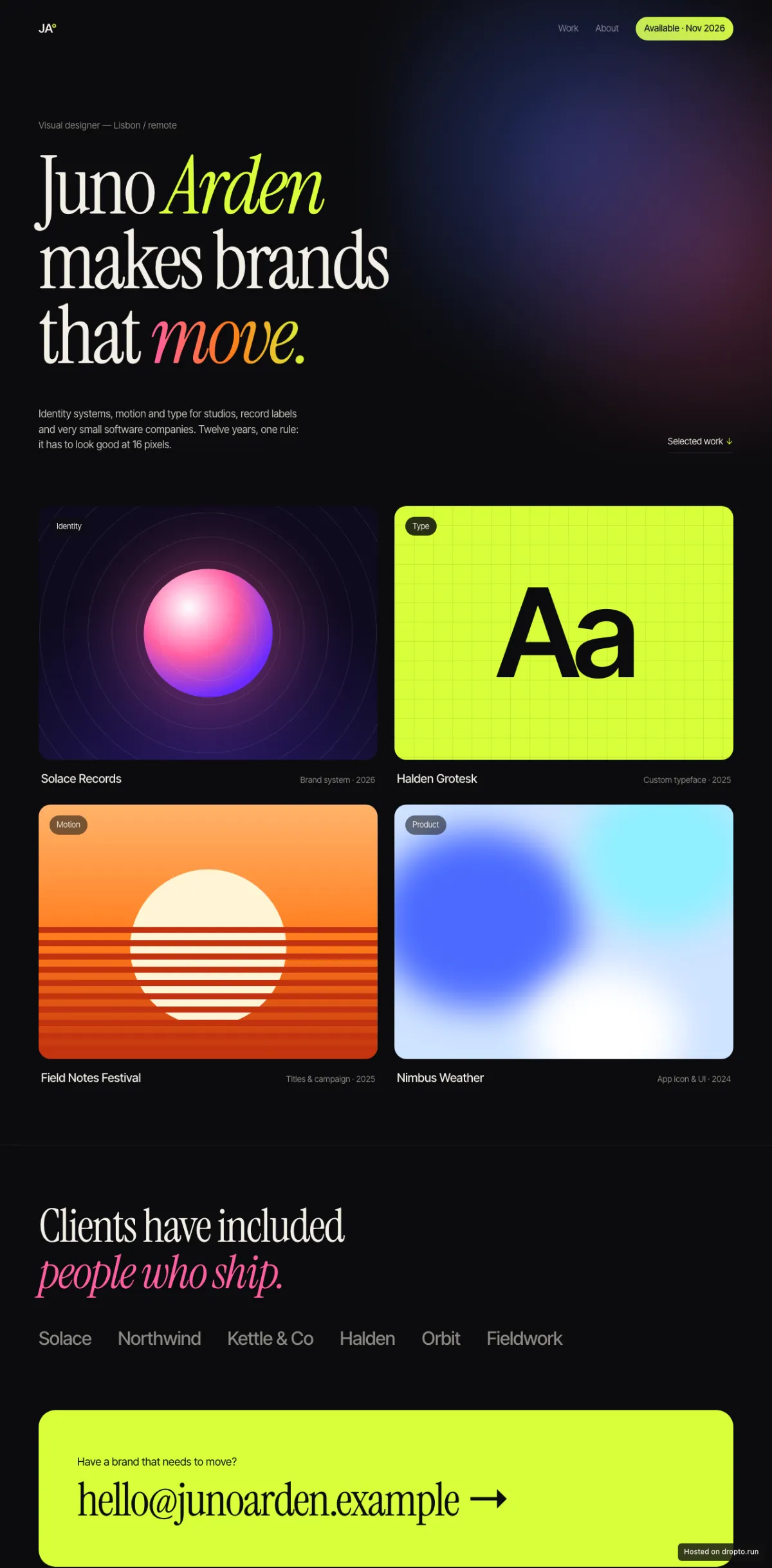
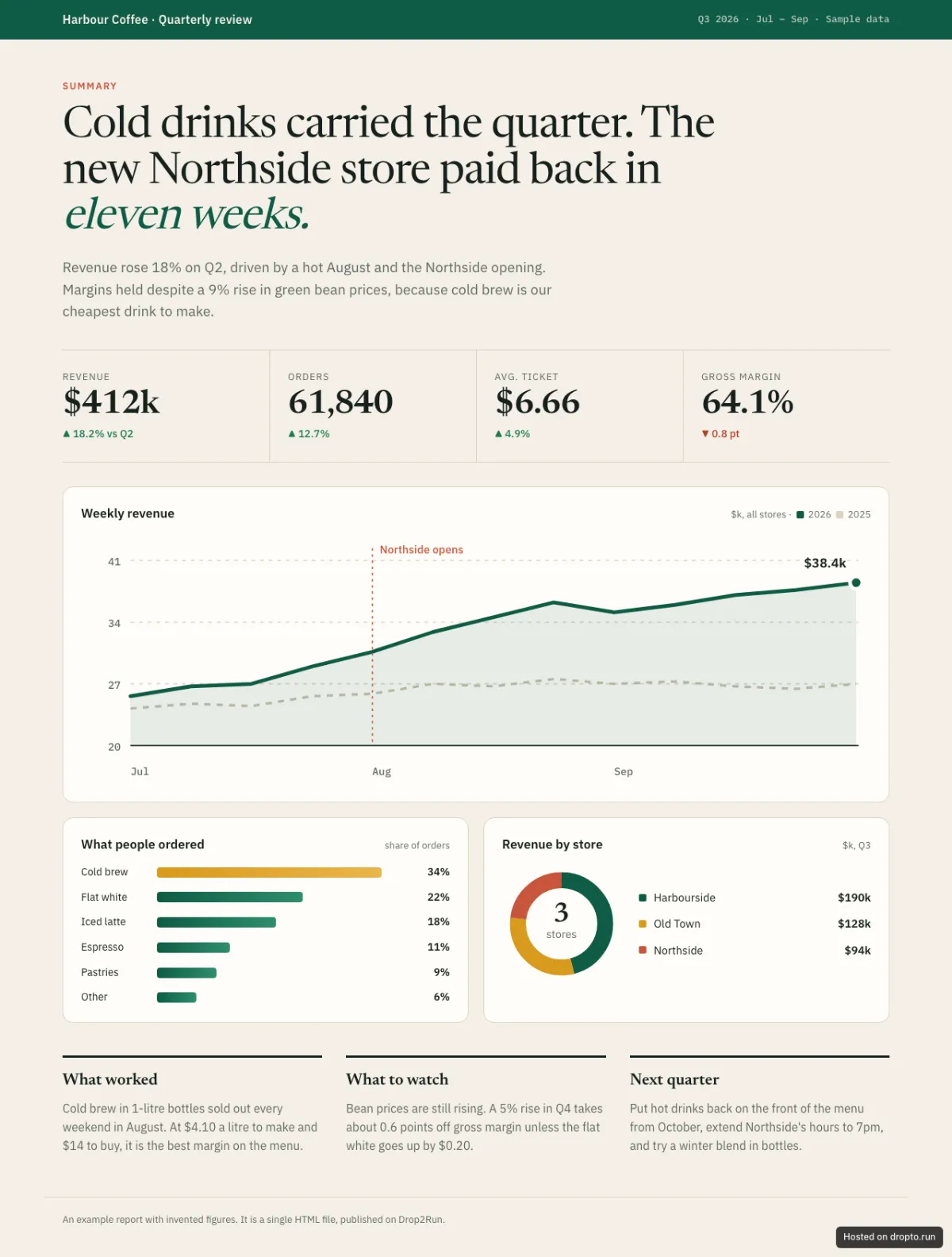
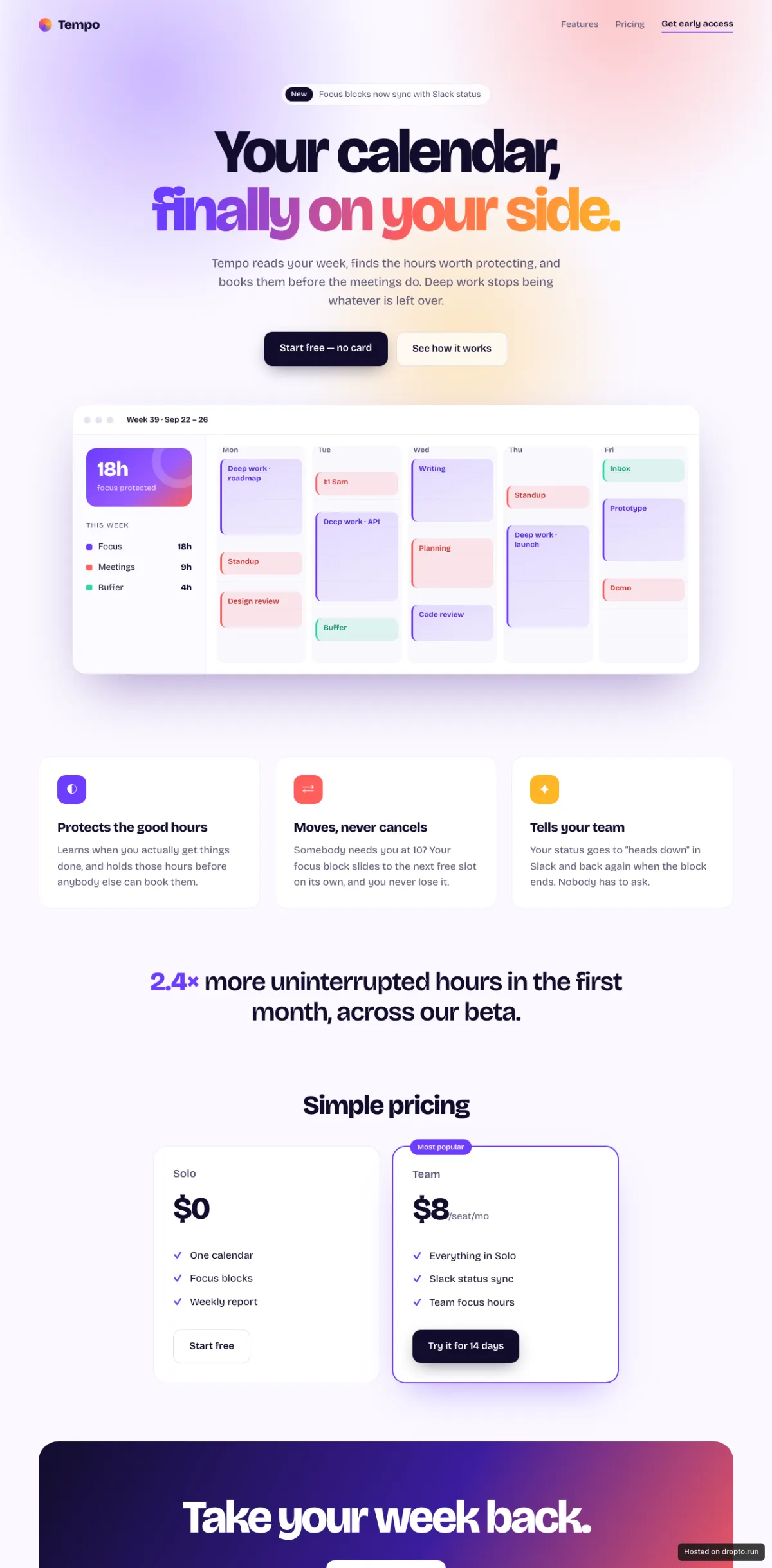
Each of these was a folder before it was a link, and each is running on dropto.live right now, exactly as it was dropped. Open one.
Anything already a folder of files
Already built? Drop the dist or build folder, not the project. What that looks like →
A portfolio, a one-pager, a CV, a folder of documents — what people put here, and what it turns into →
- Plain HTML
- React
- Vue
- Svelte
- Astro
- Next (static export)
- Hugo
- Jekyll
- Eleventy
Or whatever a generator handed you — v0, Bolt, Lovable, Claude and Cursor all finish by writing a folder of files. That is already the thing this hosts.
Your site does not depend on us.
Publishing runs on our servers. Serving your site does not. Once a version is live it is held on the edge network and answered there — no request for your site ever reaches a machine of ours.
Not the right host if…
Four things this deliberately does not do. Better to know now than in fifteen minutes.
- ✕It needs a server of its own. No PHP, no database, nothing rendered per request, no background jobs. A few API routes do not need one: on Pro and Team, serverless functions handle a webhook or a call with your secret key, and a form marked
data-drop2runis collected for you on any paid plan. Functions → Forms → - ✕It needs to be found on Google at its default address. Every response on a default subdomain carries
X-Robots-Tag: noindex. That is deliberate — a shared domain anybody can publish to is worth nothing to spammers without search ranking. A public site on its own custom domain does not carry that header. - ✕It needs user accounts. Signing people up, keeping a profile for each and showing each one their own data is an application with a database. What this does is keep the wrong people out: one shared password in front of a whole site, or, on the plans that include it, a list of invited people who sign in to open it.
- ✕It needs us to run your build. Run it yourself and drop the output folder, not the project.
Questions
Four of them. Everything else people ask → Or the longer answers: guides, and how this is built →
Do I have to pay, and what happens if I stop?
No, and that is not a launch offer: the free tiers stay free. They are not a trial and they do not ask for a card. Paid tiers are a subscription you can cancel at any time, and a site that fits inside the free tier is never taken offline over money.
What can I host?
A site needs one index.html at the top level, and a 404.html beside it becomes the error page with nothing to configure. A folder of documents — markdown, PDF, Word, Excel — needs nothing at all, and neither does a single file. On Pro and Team, a _functions/ folder beside it adds API routes.
Do I really not need an account?
No. Your browser keeps a claim token for each site you publish, and that token is what lets you deploy to it again or attach it to an account later.
Can I use my own domain?
Yes, from the Starter tier up. Point the domain at us and the certificate is issued and renewed for you.
Get comments back on the page itself.
On plans that include comments, the people you share a site with pin a note to the heading or sentence they mean — no screenshots, nothing to install. How it works →
Run by your agent, from first draft to sign-off — the client review loop →
Your calendar, but smarter.Your calendar, finally on your side.Your calendar, but smarter1
“Smarter” is vague — say what it does for me.
Changed — it’s live now.
Pinned to what they mean
press CA click on a heading or a selected sentence, on a page or in a Markdown document. The comment stays on that spot.
Answered where it was asked
liveReplies appear for everyone reviewing without a reload, and you hear about new comments by email.
Or by the agent that built it
list_commentsIt reads the threads, fixes what they point at, publishes, and replies under your name.